UI Design · HTML / CSS / JS · PHP
Durham College Digital Signage
Campus Broadcast Display System
01 — Overview
Broadcast-style displays
for a connected campus.
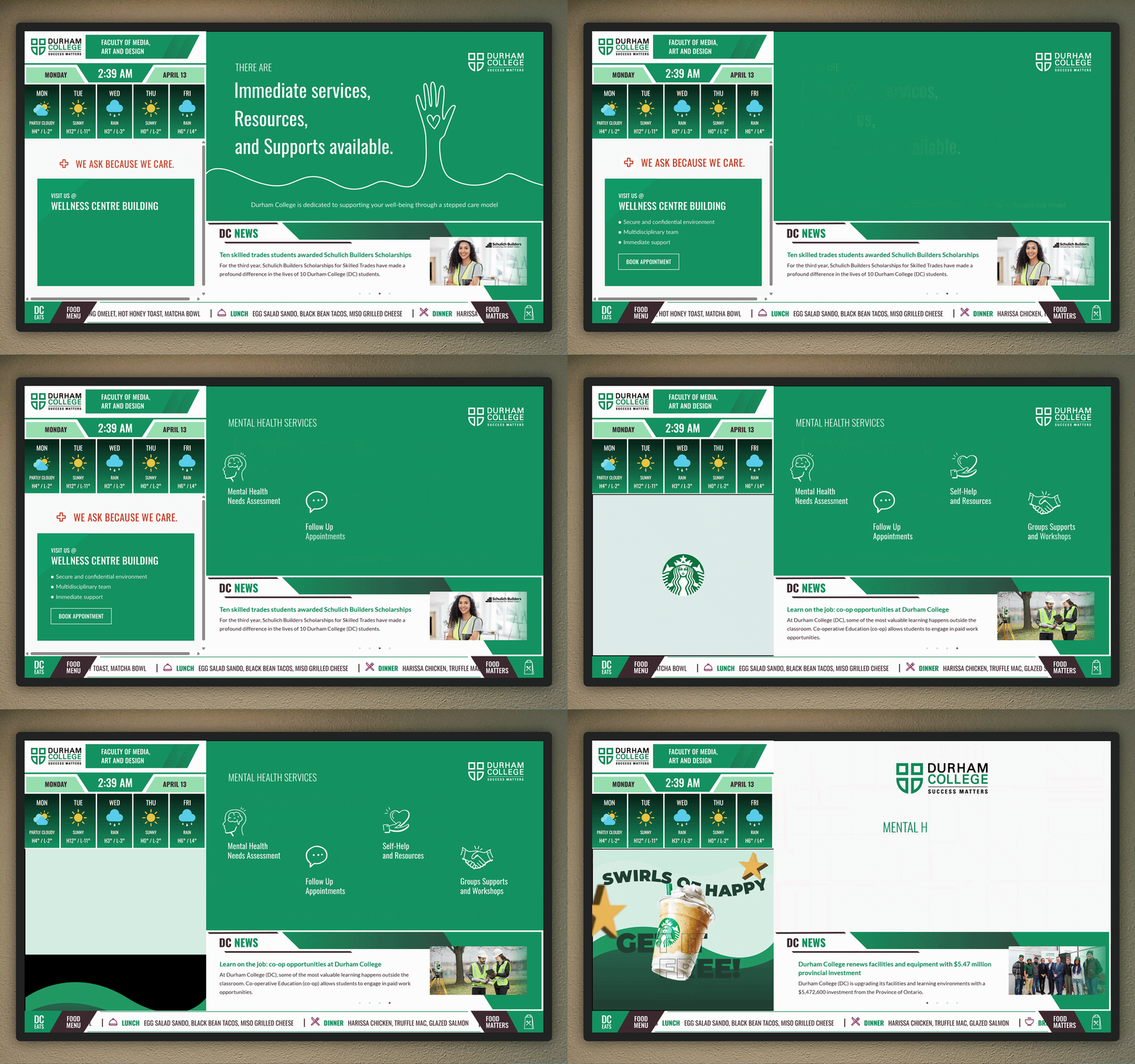
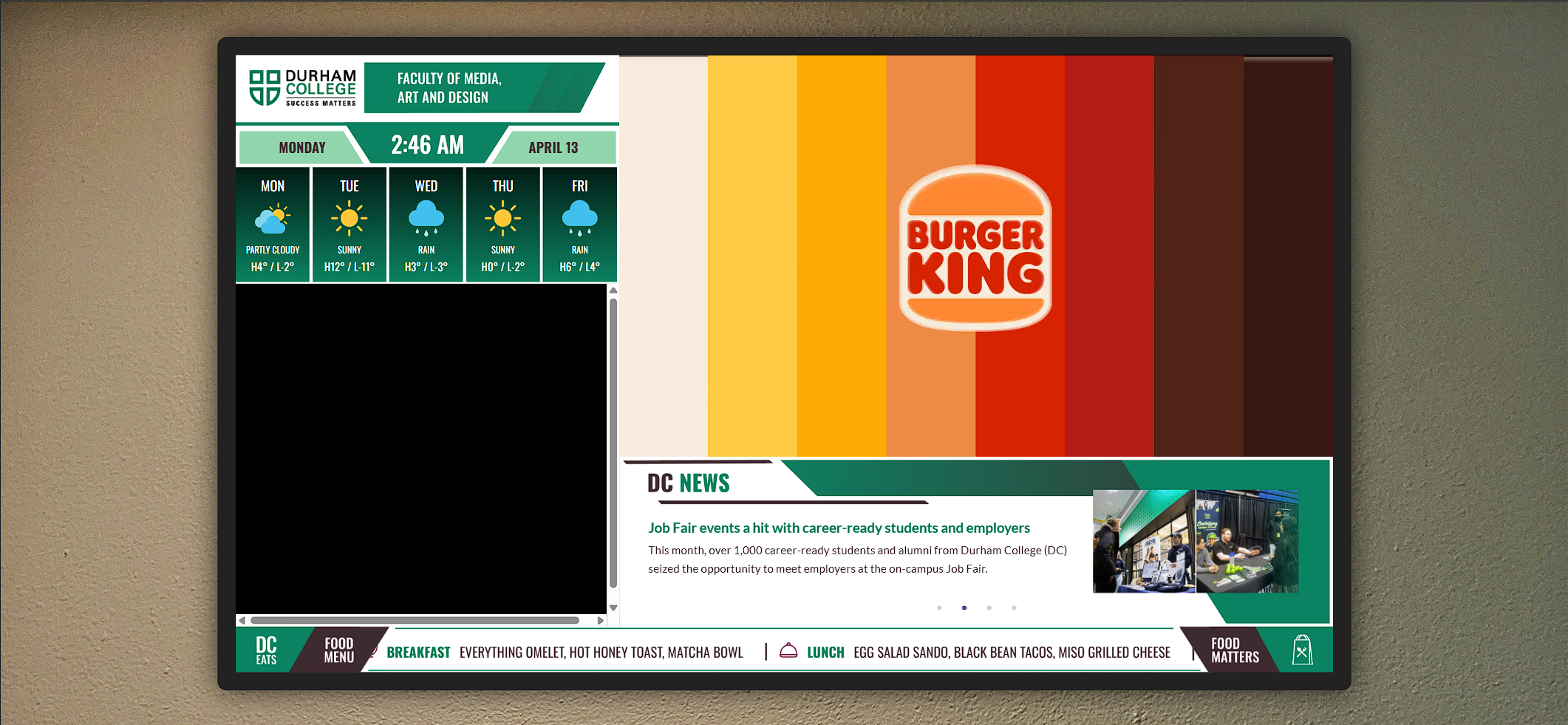
The initiative developed dynamic digital displays for flat-screen TVs across campus — modelled after broadcast news graphics similar to CP24. These signs communicate essential real-time information including time, weather, dining options, and promotions to support campus navigation for students, staff, and visitors from diverse backgrounds.
As UI designer, I was responsible for organizing information hierarchically, developing prototypes, crafting visually engaging interfaces, incorporating stakeholder feedback, and improving the overall user experience to enhance campus communication effectiveness.
02 — Objectives & Challenges
Designing for screens
people walk past.
Campus signage demands a different kind of UX thinking — the audience is always in motion, the content is live, and the system must work for everyone from first-year students to visiting families.
Primary Objectives
- Build intuitive, accessible interfaces for a diverse campus audience
- Maintain brand consistency with Durham College's visual identity
- Optimise readability for display screens at distance and in motion
- Collaborate with stakeholders to define and evolve requirements
- Refine experiences through iterative feedback loops
Key Challenges
- Accessibility compliance — ADA and WCAG standards on public displays
- Scalability for future campus expansion without redesign
- Visual consistency across all signage components and locations
- Integrating diverse live elements — logo, weather, ads, promotions
- Technical complexity — animations, database queries, and dynamic content
03 — Process
Four stages from
brief to broadcast.
Discovery
Define objectives, gather requirements from stakeholders, and map out the full information hierarchy.
Design
Develop unique visual styles per component — weather, news ticker, ad zones, and logo area.
Development
Code and style all elements with HTML, CSS, JS, and PHP backend integration for live data.
Optimisation
Gather stakeholder feedback, refine visual hierarchy, and validate accessibility compliance.
04 — Deliverables
What was
shipped.
Motion Graphics
Three GSAP-animated advertisement zones with smooth transitions, timed loops, and brand-compliant motion principles.
Styled Components
Weather display, live news section, ticker tape, and logo area — each with its own visual language and responsive layout.
PHP Backend
Database integration for dynamic content management — enabling real-time updates to promotions, dining menus, and announcements.
Tech Stack
Live Project
See the display
in action.
Explore the full Durham College digital signage experience — live components, GSAP animations, and real-time data integration.
View Full Experience